Account Security
Your Virtual Assets Have Real World Value
Entropia Universe's Real Cash Economy system connects the virtual world with the real one. Your avatar's virtual items and assets have real value, so we believe you should be able to keep them truly safe.
Actions to secure your Account and Assets
Use a Secure Password
Your account is protected by default with the username and password you chose when creating it.
Username and password combinations offer basic security, but as you probably know, there are numerous threats that target this type of protection.
We recommend using your browser's password manager to generate and save passwords for you.
Two-Factor Authentication
With Two-Factor Authentication enabled, you log in with your email/username and password as usual.
To access sensitive information, you will need to confirm with a temporary security code from an authenticator app on your phone. Use Entropia Pocket, Microsoft Authenticator or Google Authenticator, all free and available for Android and iOS.
Two-Factor Authentication is one of the most effective ways to protect your account and assets.
Authenticator Apps
Enhanced Account Security
Entropia Universe offers an extra layer of security through Two-Factor Authentication. You can use our own Entropia Pocket app, Microsoft Authenticator or Google Authenticator, whichever you prefer. All three are apps for Android and iOS devices that, once connected to your account, require you to enter a security code provided by the app in order to log in and access your account.
With Two-Factor Authentication, simply knowing your username and password is not enough to gain access, an attacker would also need access to your connected Android or iOS device.
Security systems like this are used by numerous online banks worldwide. We believe your Entropia Universe account deserves the same state-of-the-art protection as your real-world bank, which is why we offer Two-Factor Authentication to all avatars free of charge.
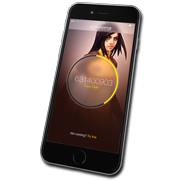
Entropia Pocket Android & iOS



Microsoft Authenticator Android & iOS
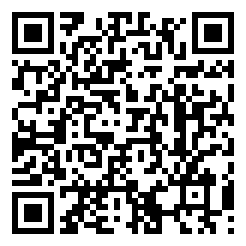
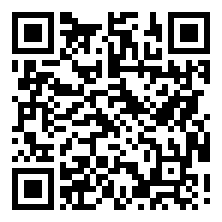
Google Authenticator Android & iOS